
Managing HR can be overwhelming for small businesses, but the right HR software can save time, reduce errors, and improve employee satisfaction. Here are the top 5 tools to consider, each tailored to different needs and budgets:
- BambooHR: Best for scalability and automation. Starts at $6/employee/month.
- Gusto: Ideal for payroll and tax handling. Plans from $40/month + $6/employee.
- Zenefits: Comprehensive HR suite with benefits management. Plans start at $8/employee/month.
- Rippling: Excellent for automation and IT integrations. Costs $40/month + $8/user.
- Zoho People: Affordable and integrates with Zoho tools. Free for up to 5 users, paid plans from $1.50/user/month.
Quick Comparison
| Software | Starting Cost | Key Features | Best For | User Rating |
|---|---|---|---|---|
| BambooHR | $6/employee/month | Time-off, onboarding, reporting | Growing businesses | 4.6/5 |
| Gusto | $40/month + $6/user | Payroll, tax filing, HR tools | Payroll and compliance | 4.6/5 |
| Zenefits | $8/employee/month | Benefits, compliance, onboarding | All-in-one HR management | 4.9/5 |
| Rippling | $40/month + $8/user | HR + IT automation, global tools | Automation and integrations | 4.7/5 |
| Zoho People | Free or $1.50/user | HR basics, performance tools | Budget-friendly HR solutions | 4.4/5 |
Key Takeaways
- Startups: Gusto or Zoho People for cost-effective basics.
- Small Businesses: BambooHR or Zenefits for comprehensive solutions.
- Tech-Savvy Teams: Rippling for advanced automation and integrations.
Choose software based on your business size, budget, and specific HR needs.
The 5 Best HR Software Options for Small Businesses
1. BambooHR
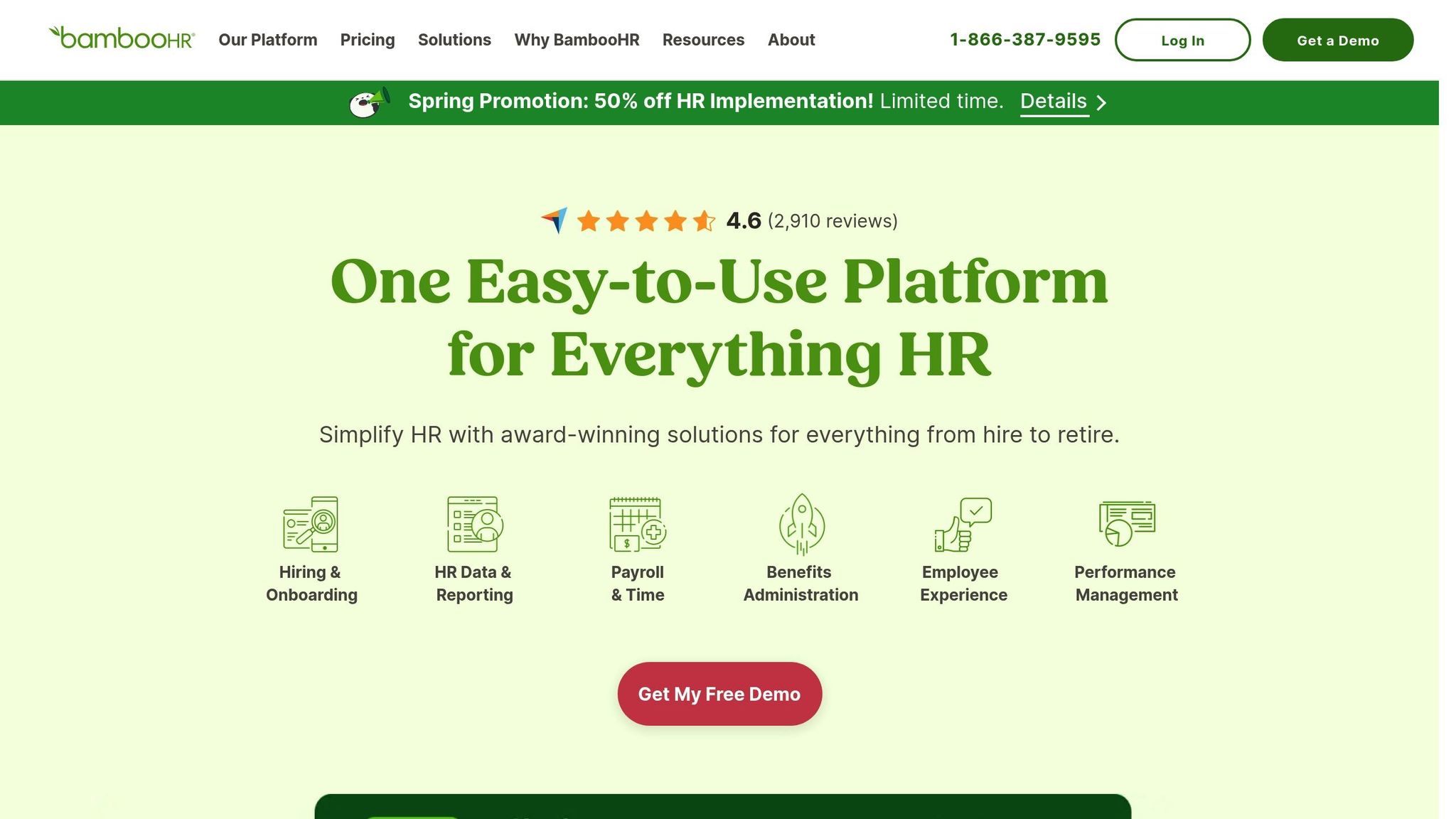
BambooHR is a cloud-based HR platform designed for small businesses, helping cut HR costs by an average of 40%.
The platform offers two pricing tiers with a range of features:
| Feature Category | Core Plan ($6 per employee/month) | Pro Plan ($9 per employee/month) |
|---|---|---|
| Basic Features | Employee records, standard reporting, applicant tracking system, time-off management | All Core features |
| Advanced Tools | Onboarding/offboarding, self-service | Employee engagement and performance management |
| Add-ons | Payroll, time tracking | Benefits administration and additional reporting |
The platform delivers measurable results.
"BambooHR and payroll together have saved us almost 20 hours a week and $20,000 over a year".
Here are three standout benefits of BambooHR:
- Time-Saving Automation: Sandy Sorzano shared that benefits administration reduced open enrollment from three weeks to just a few days.
- Multi-State Compliance:
"BambooHR Payroll is designed to handle multi-state taxation and is easy for novices and experts to navigate and activate".
- Scalability: Volume discounts kick in at 26 employees, with costs dropping to $8.32 per employee for companies with 80+ staff. Over 16,000 businesses worldwide rely on BambooHR.
Non-profits enjoy a 15% discount, and businesses bundling Payroll and Benefits Administration services can save an additional 15%. The platform maintains an impressive 4.6 out of 5 rating from 2,910 reviews.
BambooHR’s Performance Management tools achieve 95.5% employee compliance and 95.25% manager compliance, according to customer feedback. Its mobile-friendly interface is ideal for companies with fewer than 1,000 employees.
Up next, we’ll dive into another top HR solution to help you make an informed decision.
2. Gusto

Gusto is a leading HR and payroll platform, earning a 9.4/10 editor’s score and the title of ‘#1 Best Overall Payroll Software of 2024’ by US News. Trusted by over 400,000 businesses across the U.S., it helps users save an average of 5 hours per month on HR tasks.
The platform offers four pricing tiers tailored to different business needs:
| Plan | Monthly Base Fee | Per Person Cost | Key Features |
|---|---|---|---|
| Contractor | $35 | $6 | Contractor payments, 1099 forms |
| Simple | $40 | $6 | Single-state payroll, basic onboarding |
| Plus | $80 | $12 | Multi-state payroll, advanced HR tools |
| Premium | Custom | Custom | Dedicated support, full HR suite |
Gusto simplifies payroll management with automated tax calculations and filings in all 50 states. It also supports international contractor payments in over 120 countries. The autopilot feature ensures payroll runs on schedule, reducing manual work and minimizing errors.
"Gusto provides comprehensive HR features with its HR software, but the company’s payroll offering is what makes this solution shine brighter than the competition."
Josh Albrechtsen, President and Co-Founder of Cortex Health, shares, "Using Gusto to maximize efficiency was important so that we’re able to scale and grow successfully".
Key Strengths
Gusto stands out in several areas:
- Quick Setup: Most businesses can implement Gusto in under a week.
- User-Friendly Design: Scored 9.7/10 for ease of use.
- Comprehensive Features: Rated 9.5/10 for its functionality.
For businesses looking to grow, Gusto integrates seamlessly with hundreds of popular accounting and time-tracking tools. It also boasts a 4.6/5 rating on Software Advice, based on 3,850 reviews.
Raj Mitra, Chief of Staff at Health Innovators Inc, says, "Gusto is a one-stop shop for all my HR management needs. My employees can manage their benefits through an easy-to-use portal. It is all automated, reliable, and convenient".
Considerations
While Gusto offers a strong feature set, add-ons can increase monthly costs, and performance management tools are somewhat limited. Still, 85% of surveyed users report that Gusto allows them to focus more on running their business.
3. Zenefits

Zenefits provides a comprehensive HR platform tailored for small businesses, boasting a 4.9/5 rating from 73 reviews. Users report cutting onboarding time by 50% and reducing payroll and benefits management time by up to 90%.
The platform offers three pricing plans, available with annual or monthly billing:
| Plan | Annual Price (per employee/month) | Monthly Price (per employee/month) | Key Features |
|---|---|---|---|
| Essentials | $8 | $10 | Onboarding, time tracking, scheduling |
| Growth | $14 | $18 | Includes compensation & performance tools |
| Zen | $21 | $27 | Adds well-being tools and engagement surveys |
Zenefits’ automation tools have earned high praise. Tope Awotona, CEO of Calendly LLC, shares:
"One thing I wish I had done sooner at Calendly is create systems that run themselves. And Zenefits is one of them. I wish I had implemented Zenefits sooner".
Key Features
- Automated Onboarding: Simplifies hiring with features like auto-generated offer letters and background checks.
- Compliance Management: Ensures your business stays aligned with labor laws and regulations.
- Integrated Payroll: Syncs employee hours, benefits, and deductions seamlessly.
"I love how easy it is to run payroll! With around 300 employees, it can be a challenging task, but Zenefits makes it easy".
Business Integration
Zenefits works with tools like Okta, QuickBooks, Carta, and 360Learning, making it ideal for industries such as financial services, education, e-commerce, and manufacturing.
"Payroll and benefits processes are nearly fully automated now. We used to rely heavily on spreadsheets, but thanks to Zenefits, it’s now simpler and more compliant."
- Stephanie, Computer Software
While users appreciate its intuitive design and helpful support team, some note delays in customer service during busy periods. Evelyn M. highlights:
"Zenefits has helped me tremendously with my questions, especially regarding payroll. They make human resource-related tasks much easier for me as I run the office".
Zenefits combines powerful features and integrations, making it a strong choice for small businesses looking to simplify HR operations.
sbb-itb-0111765
4. Rippling
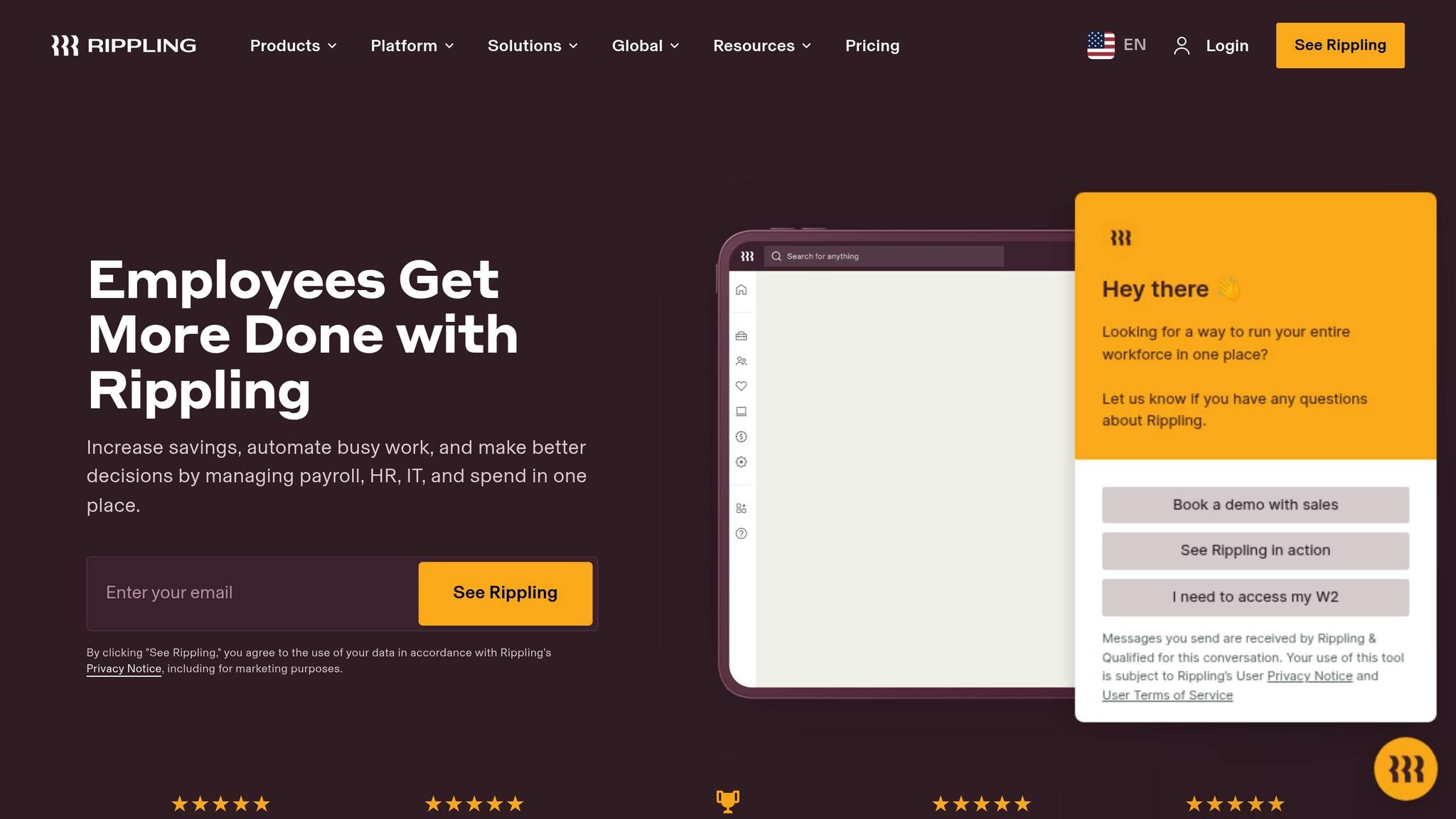
Rippling’s all-in-one HR and IT platform boasts a 91% customer satisfaction score. It’s designed to simplify HR operations for small businesses, offering a range of automation tools.
Pricing Structure
| Component | Cost |
|---|---|
| Base Fee | $40/month |
| Per User Fee | $8/user/month |
Key Performance Metrics
Rippling delivers measurable results, including:
- Cutting HR and IT task time by up to 75%.
- Accelerating employee onboarding by six times.
- Processing payroll in just 90 seconds.
The platform supports payroll, benefits, and compliance management across all 50 U.S. states and offers localized solutions in over 140 countries.
Integration Ecosystem
With more than 600 third-party app integrations, Rippling makes connecting tools simple. Nick Stanish, Founding Engineer at Reserv, explains:
"Rippling’s pre-built integrations made it painless to integrate third-party apps and set up SSO for our SOC 2 report. Instead of getting bogged down in busy work, our engineers are able to focus on projects for the core business".
Real Business Impact
Small businesses using Rippling report noticeable improvements. Kristen Hayward, Head of People & Ops, shares:
"Because we’re using Rippling, it means I don’t need to hire a full-time people ops generalist at this time. It’s essentially saving me a headcount, and I can use those resources towards something with larger business impact".
Lisa Koluvek, Director of Finance & Ops, adds:
"If I’m inarticulate about state taxes, it’s because I haven’t had to think about them since I started using Rippling".
Administrative Efficiency
Rippling streamlines administrative tasks, including:
- Automated W-2 and 1099 generation and filing.
- Time and attendance tracking.
- Benefits administration.
- Compliance management across multiple jurisdictions.
Cassandra Margolin, Head of People at Jasper, highlights a specific feature:
"I used to have to bother IT each time an employee became a manager or moved teams to get them added to the right groups in apps. Now, Rippling automatically updates their permission level without us ever having to think about it. It saves us a ton of time and headache".
Next, we’ll dive into Zoho People to round out our top five comparison.
5. Zoho People
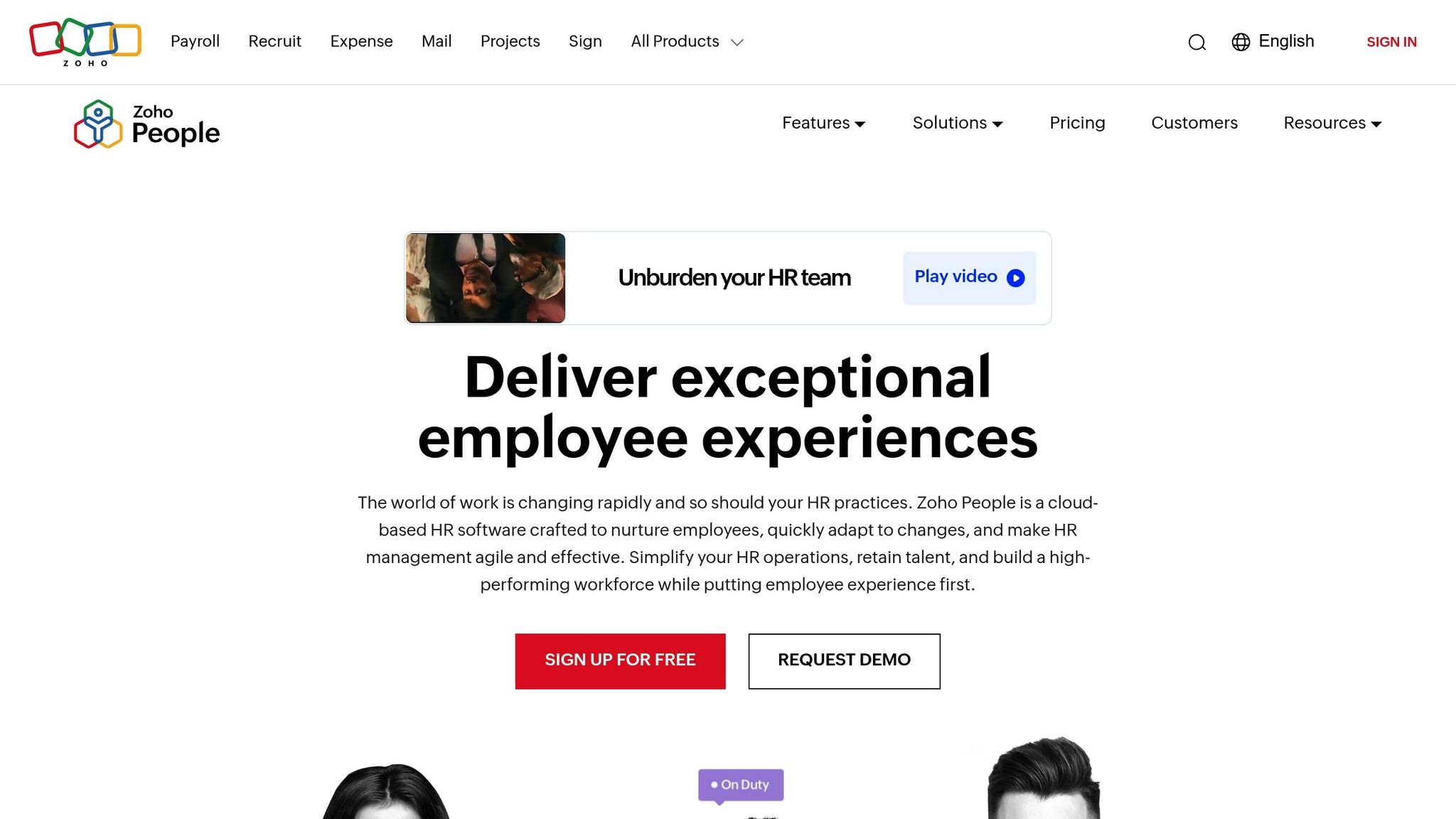
Zoho People is a widely-used HR platform, trusted by more than 4,000 businesses globally. It combines essential HR tools with advanced features, helping companies streamline operations and boost efficiency by up to 75%.
Pricing Structure
| Plan | Monthly Cost/User | Key Features |
|---|---|---|
| Free | $0 (up to 5 users) | Employee database, Time-off management |
| Essential HR | $1.50 | Basic HR functions |
| Professional | $2.50 | Includes performance management |
| Premium | $3.50 | Includes advanced workflows |
| Enterprise | $5.00 | Includes custom functions |
| People Plus | $9.00 | All features + Premium support |
Key Features
Zoho People simplifies HR management with tools like:
- Automated Workflows: Handles repetitive tasks efficiently.
- Employee Database: A centralized hub for employee information.
- Time Management: Tracks attendance and schedules shifts effortlessly.
- Performance Tools: Includes goal setting and 360-degree feedback.
Seamless Integrations
Zoho People connects with a variety of tools to enhance functionality:
- Accounting Software: Works with QuickBooks for smooth financial management.
- Productivity Tools: Compatible with Office 365 and G Suite.
- Communication Platforms: Integrates with Microsoft Teams for better collaboration.
- Zoho Ecosystem: Syncs with Zoho CRM, Books, and Recruit.
Sterling Garde, Founder & President of Athreon, highlighted the platform’s impact:
"Zoho has simplified so many of our company’s HR tasks. We couldn’t imagine going back to the way we used to manage our HR processes."
Performance Management Capabilities
Zoho People provides comprehensive tools to manage employee performance:
- Continuous reviews and appraisals
- Analytics to identify improvement areas
- Virtual classrooms for training
- Centralized management of learning resources
Its payroll integration reduces manual errors, making payment processes smoother.
Mobile Features
The Zoho People mobile app ensures HR management is accessible anytime, anywhere. Key mobile functionalities include:
- Real-time attendance tracking
- Leave requests and approvals
- Employee self-service options
- Access to important documents
User Ratings
Zoho People has received high ratings from users across various platforms:
- Capterra: 4.4/5
- G2: 4.4/5
- Software Advice: 4.5/5
- TrustRadius: 8.4/10
These scores reflect the platform’s reliability and user-friendly design, making it a top choice for small businesses looking for a well-rounded HR solution.
Features and Limitations
When evaluating HR software, it’s essential to weigh both its strengths and limitations. Here’s a breakdown to help you make informed decisions:
Core Functionality Comparison
Here’s how some popular HR software options stack up:
| Software | Strengths | Limitations |
|---|---|---|
| BambooHR | Broad HR information system; offers volume discounts | Core plan lacks payroll and time tracking |
| Gusto | Automated payroll, tax handling, supports global teams | Not specified |
| Zenefits | Comprehensive HR suite with benefits administration | Not specified |
| Rippling | Advanced automation; supports global workforce management | Not specified |
| Zoho People | Integrates seamlessly within the Zoho ecosystem | Not specified |
Cost-Value Analysis
HR software costs can vary depending on the features you need. Here’s a general idea of pricing:
- Basic HR functions: $5–$40 per employee/month
- Payroll processing: $35–$99 base fee, plus $6–$8 per employee/month
- Performance management: $4–$14 per employee/month
- Employee engagement tools: $5–$10 per employee/month
Scalability
For growing businesses, scalability is key. BambooHR offers discounts for large teams, while Rippling provides flexible HRIS features that adapt as your organization expands.
Integration Capabilities
Integration can simplify workflows and improve efficiency. Here’s what these platforms offer:
- Gusto: Combines payroll with time tracking
- Rippling: Includes advanced IT integrations
- Zoho People: Works seamlessly within the Zoho ecosystem
- BambooHR: Connects core HR functions
- Zenefits: Focuses on benefits administration
Performance and Reporting
Each platform offers unique tools for insights and reporting:
- Gusto: Provides actionable insights and compliance alerts
- BambooHR: Delivers detailed analytics
- Rippling: Offers advanced workforce data
- Zenefits: Specializes in benefits and compliance reporting
When selecting HR software, consider not only the features but also the costs for implementation, training, and support. Tailor your choice to your specific HR needs and future growth plans.
Which HR Software Fits Your Business
Here’s a guide to help match HR software to your business size and needs. Use this alongside the features and pricing details shared earlier to determine what works best for your situation.
For Startups (1–10 Employees)
If you’re a small startup, focus on covering the basics without overspending. Gusto’s basic plan, priced at $40/month, offers essential HR and payroll tools and comes highly recommended, with a 100% user approval rate.
Growing Small Businesses (11–50 Employees)
Businesses in this range need flexible solutions that balance cost and functionality. Depending on your focus, here are some solid options:
| Focus Area | Suggested Software | Cost | User Rating |
|---|---|---|---|
| Payroll Management | Gusto | $40/month | 4.3/5 |
| Employee Management | Zoho People | $1/employee/month | 4.6/5 |
| All-in-One HR | BambooHR | Custom Pricing | 4.5/5 |
Established Small Businesses (51–100 Employees)
If your business is more developed, you’ll likely need a platform with advanced capabilities. Zenefits is a strong choice, offering extensive benefits administration and HR automation. It holds an impressive 4.9/5 rating from 73 reviews.
Industry-Specific Insights
Mary Karamanos, Senior Vice President of Human Resources at BDC, highlights a common mistake among growing businesses: failing to plan for HR needs. She notes that leading companies attract top talent by offering meaningful work, learning opportunities, and paths for growth.
Steps to Take Before Choosing
- Try out free trials, check integrations, and confirm support availability.
- Scrutinize pricing for any hidden fees.
- Ensure the software works well with your current tools.
Following these steps can help you pick software that aligns with your business objectives.