

8 Proven Strategies to Secure Your WordPress Login Without Plugins
WordPress powers over 40% of the web, making it a prime target for cybercriminals. Securing your WordPress login is crucial for protecting your site from unauthorized access and potential data breaches. While many users rely on plugins for security, there are numerous effective strategies to secure your WordPress login without installing additional software.
At S-FX.com, we specialize in web design and managed IT services, helping small businesses bolster their online security. Here are eight proven strategies to enhance the security of your WordPress login without plugins.
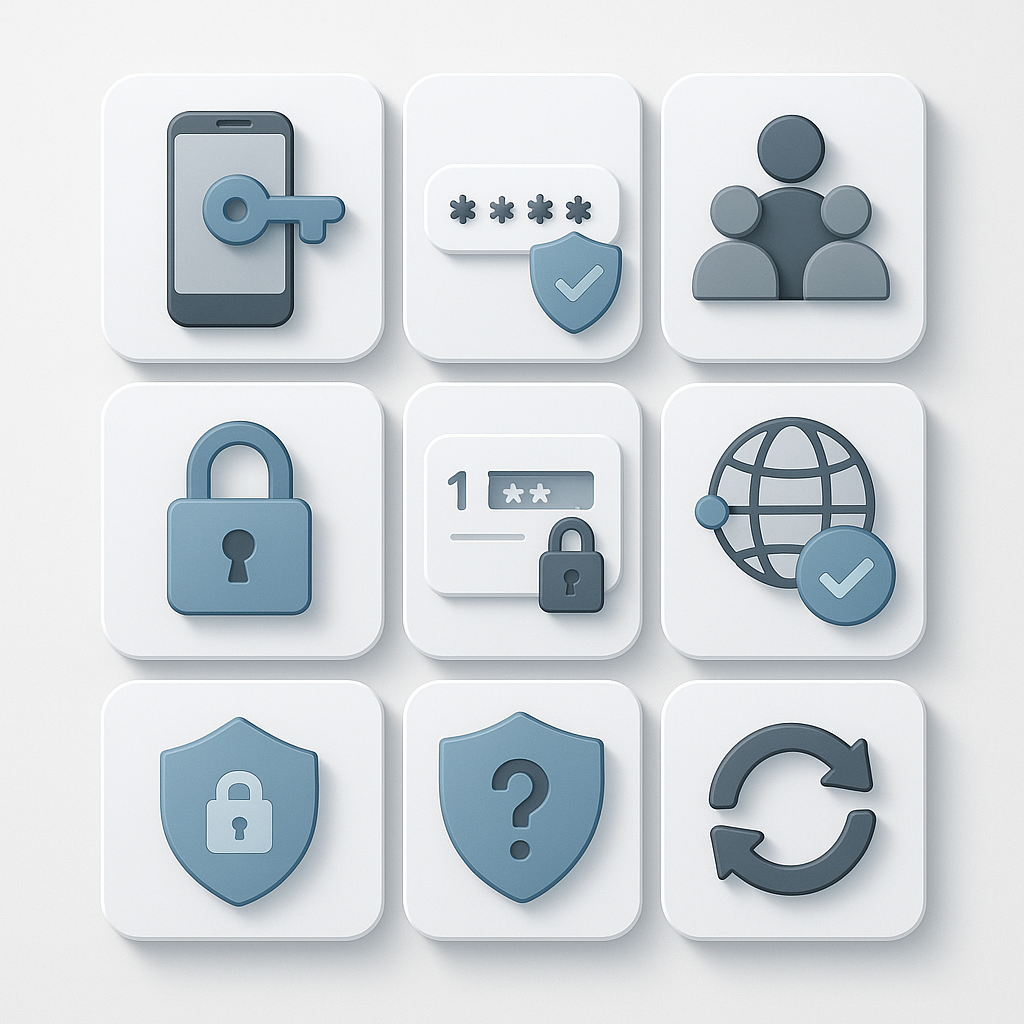
Tip 1: Use Strong Passwords
One of the simplest yet most effective ways to secure your WordPress login is by using strong passwords. A strong password should be at least 12 characters long and include a mix of uppercase and lowercase letters, numbers, and special characters.
Example:
Instead of “password123,” use something like “G!v3M3P@ssw0rd!” which is much harder to guess.
Action Step:
Encourage all users to create strong passwords. Consider implementing password strength meters to help users gauge the strength of their passwords during the creation process.
Tip 2: Implement Two-Factor Authentication (2FA)
Two-factor authentication adds an additional layer of security by requiring not only a password but also a second factor, usually a code sent to a mobile device or email.
Example:
When users log in, they enter their username and password, and then they are prompted to enter a code sent to their registered mobile number.
Action Step:
Enable 2FA through your WordPress settings or your hosting provider’s security features. This extra step drastically reduces the chances of unauthorized access.
Tip 3: Limit Login Attempts
Limiting login attempts prevents brute-force attacks, where attackers attempt to guess the password by trying multiple combinations.
Example:
You can set a maximum of three attempts before locking the user out for a specified time.
Action Step:
Edit your .htaccess file to limit login attempts or configure your web server settings accordingly. This will help secure your WordPress login from repeated unauthorized attempts.
Tip 4: Change the Default Login URL
The default login URL for WordPress is /wp-admin or /wp-login.php. Changing this URL to something less predictable can help reduce the chances of automated attacks.
Example:
Instead of the default login URL, use something like /mycustomlogin.
Action Step:
Manually change the login URL by editing your .htaccess file or through your hosting control panel. This simple change can significantly improve your site’s security.
Tip 5: Use HTTPS to Secure Data Transmission
Using HTTPS encrypts the data transmitted between the user’s browser and your server, protecting sensitive information like usernames and passwords.
Example:
If your site URL starts with http://, switch to https:// to secure all data exchanges.
Action Step:
Obtain an SSL certificate from your web hosting provider or a third-party service. Most hosts offer free SSL certificates that you can easily enable.
Tip 6: Regularly Update WordPress, Themes, and Plugins
Keeping your WordPress core, themes, and plugins up to date is essential for maintaining security. Updates often include security patches that protect against vulnerabilities.
Example:
If you’re using an outdated theme or plugin, it could have known vulnerabilities that hackers can exploit.
Action Step:
Set a schedule to check for updates regularly, or enable automatic updates for your WordPress core and plugins. This will ensure that your website is always protected against the latest threats.
Tip 7: Assign Appropriate User Roles
WordPress allows you to assign different roles to users, each with varying levels of access to the site’s functionalities. Limiting access based on user roles helps minimize potential security risks.
Example:
Only grant administrative privileges to users who absolutely need them, such as site managers. Other users can be assigned roles like Editor, Author, or Contributor.
Action Step:
Review the user roles in your WordPress admin panel and adjust them to ensure that users have only the permissions necessary for their tasks.
Tip 8: Implement IP Whitelisting
IP whitelisting allows you to restrict access to your WordPress login page to specific IP addresses. This is particularly useful for organizations with a static IP.
Example:
If your office has a static IP, you can configure your server to only accept login attempts from that address.
Action Step:
Edit your .htaccess file to allow access only from certain IP addresses. This adds a strong layer of security by preventing unauthorized access attempts from unknown IPs.
Local SEO Services Checklist
After securing your WordPress login, don’t forget about your site’s visibility. Here’s a local SEO checklist to ensure your site remains relevant and visible:
- Claim Your Google Business Profile:
Ensure that your nonprofit’s information is accurate and up to date, including your address, phone number, and hours. - Optimize for Local Keywords:
Use local keywords in your content, meta descriptions, and titles to improve search visibility. - Create Local Landing Pages:
If your nonprofit serves multiple areas, create dedicated pages for each location with localized content. - Gather Local Reviews:
Encourage your supporters to leave reviews on Google and other relevant platforms. - Embed Google Maps on Your Contact Page:
Make it easy for people to find your organization. - Use Structured Data Markup:
Implement local business schema to help search engines understand your organization better. - Publish Local Content:
Write blog posts about local events or issues relevant to your nonprofit’s mission. - Monitor Your Analytics:
Use tools like Google Analytics to track your performance and adjust your strategy as needed.
Partner with S-FX.com for Comprehensive WordPress Security
Securing your WordPress login is a vital step in protecting your organization’s online presence. By implementing these eight strategies, you’ll significantly enhance your site’s security without relying on plugins. At S-FX.com, we offer expert guidance and managed IT services tailored to nonprofit organizations.
Our team can help you navigate the complexities of website security, ensuring that your site remains safe and effective in achieving your mission. If you’re ready to fortify your WordPress security or need assistance with other web services, reach out to S-FX.com today!
You might find interesting:
- 10 Essential WordPress Security Measures for Small Businesses
- Common WordPress Security Issues and Their Solutions
- WordPress Security: 8 Essential Fixes to Fortify Your Website for the Future
- 8 Powerful Website Migration Strategies to Move Your Site to Managed WordPress Hosting Without Downtime