

Here’s the good news: 76% of people who search for local businesses visit one within a day, and 28% make a purchase. But to make this happen, you need SEO strategies that work.
Here’s a quick overview of what you’ll learn:
- Set up your Google Business Profile: Verified profiles attract more trust and visits.
- Target local customers: Optimize for "near me" searches and create local content.
- Find the right keywords: Use tools like Google Keyword Planner to discover what people are searching for.
- Write useful content: Solve customer problems and naturally include keywords.
- Fix website issues: Improve speed, security, and structure for better rankings.
- Build quality links: Partner with local sites and create link-worthy content.
- Track your results: Use tools like Google Analytics to see what’s working.
SEO doesn’t have to be expensive or complicated. Follow these steps to boost your visibility, attract more customers, and grow your business without breaking the bank.
SEO for Beginners: 3 Simple Tips to Rank #1 on Google
1. Set Up Google Business Profile
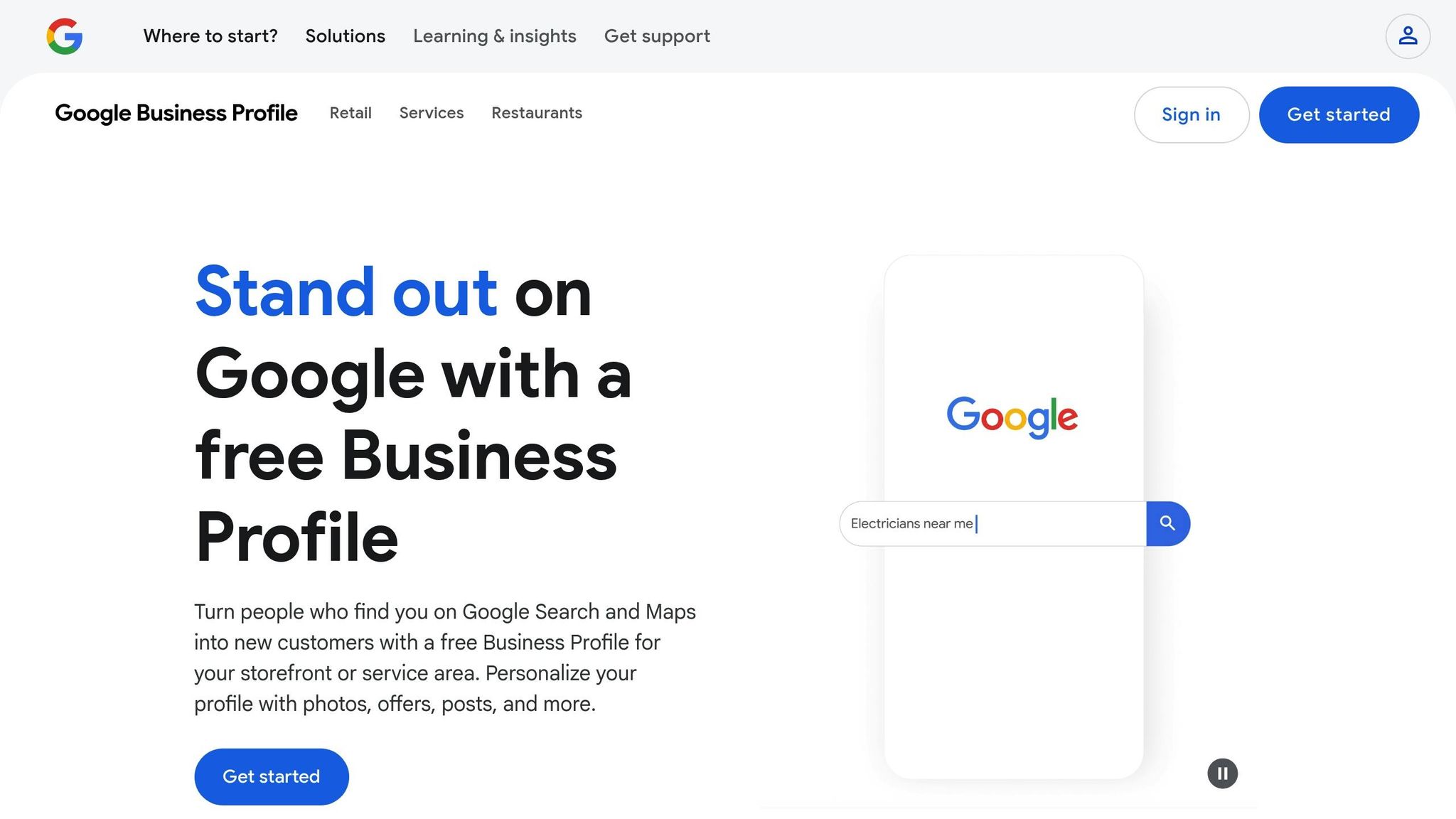
Your Google Business Profile acts as your online storefront, giving potential customers a clear view of your business. Research shows that businesses with complete profiles are 2.7 times more likely to be seen as trustworthy by potential customers.
Start by verifying your profile to establish credibility.
Get Your Profile Verified
Follow these steps to create and verify your Google Business Profile:
- Sign in using your business email.
- Go to the Google Business Profile creation page.
- Enter your business name and select the most relevant category.
- Indicate if you have a physical location.
- Add your service area and contact information.
Google offers several verification methods, including video recording, phone, text, email, or mail. While verification typically takes up to 5 business days, businesses with verified websites through Google Search Console may qualify for instant verification.
Fill Out All Profile Details
Having a complete profile can drive 70% more visits and increase purchase consideration by 50%. Make sure to include:
| Profile Element | Benefit for Local SEO |
|---|---|
| Business Hours | Helps customers plan their visits |
| Local Phone Number | Builds trust with recognizable area codes |
| High-quality Photos | Boosts engagement and click-through rates |
| Business Description | Improves visibility in local searches |
| Service/Product List | Clearly outlines what you offer |
"A Google Business Profile lets you showcase your business with photos, customer reviews, and key details like your services, hours, and location. Businesses with complete profiles are more likely to attract customers because people can see exactly what to expect before they visit or call." – Salem Surround Digital Marketing Agency
Once your profile is complete, managing customer reviews is the next step to keep your profile strong.
Manage Customer Reviews
Positive reviews can significantly impact your business, with 73% of consumers trusting local businesses more after reading them. Verified Google Business Profiles also drive an average of 105 monthly website visits for local businesses. To make the most of this:
- Respond Quickly: Timely responses to reviews enhance engagement and improve your visibility in local searches.
- Be Professional: Address feedback politely and specifically, whether positive or negative.
- Encourage Feedback: After a good customer interaction, ask for a review to build your online reputation.
Taking these steps ensures your profile remains active and appealing to both customers and search engines.
2. Target Local Customers
Did you know that 80% of U.S. consumers search for local businesses weekly, and 32% do so daily? This highlights how often people rely on local search to find services nearby.
Optimize for "Near Me" Searches
Google prioritizes proximity and relevance when users search for "near me". Here’s how you can make the most of this trend:
| Element | Action | Impact |
|---|---|---|
| Business Name & Address | Keep your NAP (Name, Address, Phone) consistent across platforms | Boosts visibility in local searches |
| Website Structure | Create location-specific landing pages | Targets individual service areas |
| Mobile Optimization | Ensure your site is mobile-friendly | Captures 63% of mobile search traffic |
| Schema Markup | Use LocalBusiness schema markup | Helps search engines recognize your location |
"Local searches are the biggest driver of traffic. Those searching often have higher purchase intent when they add ‘near me.’" – Jen Cornwell, VP of SEO, Ignite Visibility
Once your site is optimized, focus on creating content that connects with your local audience.
Write Local Area Content
Producing content tailored to your community not only builds trust but also positions you as a local authority. Here are some ideas to get started:
- Local Guides and Resources: Write detailed guides about your area, including seasonal activities, neighborhood highlights, event calendars, and weather-focused tips.
- Community Engagement: Share stories that resonate locally, like interviews with business owners, coverage of community events, historical anecdotes, or solutions to local challenges.
- User-Generated Content: Encourage your customers to participate. Run photo contests, showcase success stories, create local hashtag campaigns, or highlight customer reviews.
With searches for "shopping near me" on Google Maps doubling in 2022, these strategies can help you stand out and attract more foot traffic.
3. Find the Right Keywords
Keyword research is a powerful way to connect with your audience and improve your local SEO. By focusing on the right keywords, you can align your strategy with the competitive local market.
Choose the Best Keyword Research Tools
Here are some tools that can help with keyword research:
| Tool | Features | Ideal For |
|---|---|---|
| Google Keyword Planner | – Free to use – Monthly search data – Competition levels – Bid estimates |
Discovering new keyword ideas and understanding search volume |
| Ubersuggest | – Competitor analysis – Content suggestions – Keyword difficulty scores – Backlink insights |
Reverse engineering competitor strategies |
| Google Search Console | – Tracks search performance – Click-through rates – Keyword positions |
Monitoring existing keyword rankings and performance |
"Targeting those long-tail keywords, because a lot of times the competition is lower on them. And it allows you to really develop a niche and allows you to rank." – Amal Kalepp, HubSpot Growth Manager
Need proof that keyword research works? Singleton Law Firm increased their organic traffic by a massive 4,800% between January 2021 and January 2023. Organic search now drives 90% of their total traffic, compared to just 26% two years earlier.
Analyze Competitor Keywords
Take a closer look at what your competitors are doing. Focus on:
- Identifying which competitors rank well for your target keywords.
- Reviewing their page titles, meta descriptions, content topics, and featured snippets.
"It’s important to understand why competitors are outperforming you, how they’re meeting user needs better, and on the flip side, where they’re weak and leaving you an opening to get ahead." – Nikki Lam, VP of SEO at NP Digital
Look for keywords with a difficulty score under 30 (unless your domain authority is high), solid search volume, clear business relevance, and no ties to competitor branding. Use this analysis to enhance your content and optimize technical SEO in the next steps.
sbb-itb-0111765
4. Write Useful Content
Producing content that genuinely helps your audience is a cornerstone of SEO success. The goal? Share information that solves real problems while seamlessly including your target keywords.
Plan Your Content Schedule
Sticking to a consistent content schedule keeps your audience interested and strengthens your credibility.
| Tool | Best For | Starting Price |
|---|---|---|
| SocialBee | General content planning | $29/month |
| ContentStudio | Multiple calendar views | $25/month |
| Vista Social | AI-assisted content creation | $15/month |
"All of the different views (grid, list, calendar, board, table, month, week) are incredible because different teammates have different working styles. Some times call for a visual review and others call for a more detailed view. This caters to all." – Mary
Once your schedule is set, focus on creating content that directly addresses your audience’s needs.
Solve Customer Problems
Use tools like polls, customer support queries, and reviews to uncover common questions and challenges your audience faces.
Content Journey’s research highlights that in-depth content (2,000+ words) often ranks higher on Google. Aim to provide thorough, easy-to-read solutions that keep readers engaged.
Add Keywords Correctly
Place your target keywords thoughtfully to enhance SEO without compromising on readability.
"Today, the best SEO strategies prioritize quality, relevance, and user experience rather than cramming your content with keywords." – Content Journey
Follow these tips for keyword integration:
- Keep keyword density between 1-2%.
- Use synonyms and related terms for variety.
- Include keywords in titles, headings, meta descriptions, image alt text, and the first and last paragraphs.
Content Journey also found that top-ranking pages average 2,200 words. This length allows for natural keyword usage while thoroughly covering the topic.
The secret is balance: create content that flows smoothly, solves problems, and provides value. Focus on your audience first, and the SEO benefits will naturally follow.
5. Fix Website Technical Issues
Making technical improvements is key to supporting your SEO efforts. Two areas that often need the most attention are website speed and site structure.
Speed Up Your Website
Did you know that 53% of users abandon a site if it takes more than three seconds to load? That’s a huge loss in potential traffic and conversions. Here’s how page speed impacts your business:
| Speed Issue | Business Impact |
|---|---|
| 1-second delay | 7% drop in conversions |
| 5-second delay | 16% decrease in user satisfaction |
| Desktop average | 2.5 seconds load time |
| Mobile average | 8.6 seconds load time |
To assess your site’s speed, try using Google PageSpeed Insights. Once you know where you stand, you can apply these fixes:
- Compress images: Use formats like WebP to reduce file size without losing quality.
- Enable browser caching: This helps returning visitors load your site faster.
- Minify JavaScript and CSS: Remove unnecessary code to streamline your pages.
- Enable GZIP compression: This can cut data transfer by up to 70%.
"The faster the page loads, the higher conversion rates it’ll have." – Altexsoft Editorial Team
After addressing speed, focus on organizing your site for both users and search engines.
Clean Up Website Structure
A well-organized website isn’t just easier to navigate – it also helps search engines understand your content. Unfortunately, 72.9% of websites lack meta descriptions, which can hurt visibility. Here’s how to fix key structural issues:
- Prioritize Security: Install an SSL certificate to enable HTTPS. This improves security and boosts your Google rankings.
- Fix Broken Links: Tools like Screaming Frog (costs $259/year) can help you find and repair dead links, missing images, and faulty redirects.
- Organize Content Clearly: Group your site’s main services and resources into distinct, logical sections.
Technical To-Do List:
- Create an XML sitemap for better search engine indexing.
- Check robots.txt to ensure it’s correctly configured.
- Add canonical tags to avoid duplicate content issues.
- Optimize your meta descriptions for every page.
For ongoing monitoring, tools like GTmetrix (rated 4.6/5 on G2) offer a free plan. Their reports identify specific performance issues and provide actionable recommendations to improve your site.
6. Get Quality Links
Quality backlinks are a powerful way to improve your search rankings. In fact, top-ranking pages tend to have 3.8 times more backlinks than those ranked in positions 2–10.
Get Local Website Links
Building links from local websites can significantly improve your visibility in local search results. Here’s how to strengthen your local SEO through targeted local link-building efforts:
| Link Source | Benefit | Approach |
|---|---|---|
| Business Directories | Boosts visibility | List your business on platforms like Yelp, Facebook, and Foursquare |
| Local Events | Builds community ties | Sponsor or participate in local events to earn backlink mentions |
| Community Projects | Increases brand reach | Collaborate with local non-profits for exposure |
| Local News Sites | Adds credibility | Share newsworthy updates to earn mentions |
"Link building for local SEO is the process of acquiring backlinks from relevant local businesses. The goal of local link building is to boost visibility in organic local search results and draw more traffic from local customers who are more likely to purchase from you." – Neil Patel
Collaborating with local businesses can also help you secure natural links. For instance, a Denver bakery identified 15 high-quality local directory opportunities by analyzing Azucar Bakery‘s backlink profile.
Additionally, reviewing competitor strategies can uncover even more link-building opportunities.
Make Link-Worthy Content
Creating content that naturally attracts backlinks is another effective strategy. Did you know that long-form content earns 77.2% more backlinks than shorter posts?
Here are some types of content that tend to attract backlinks:
- Original Research: Publish unique industry data or customer insights.
- Visual Content: Design infographics, which are shared three times more than other content types.
- Resource Guides: Create detailed how-to guides that provide real value.
- Local Expert Interviews: Feature insights from well-known community leaders.
Example of Success: HubSpot’s "Ultimate List of Marketing Statistics" has earned over 42,000 backlinks. The resource stands out because it provides detailed, data-driven insights across eight marketing categories, making it highly useful for professionals.
Monitor Your Progress
Regularly reviewing your backlink profile is essential to track your progress and discover new opportunities. Here are some tools that can help:
| Tool | Primary Function | Key Feature |
|---|---|---|
| Ahrefs | Backlink analysis | Offers competitor research and site audits |
| Ubersuggest | Backlink tracking | Provides domain authority metrics and historical data |
| SEMrush Backlink Gap Tool | Competitor comparison | Identifies backlink gaps and untapped opportunities |
| Moz Link Explorer | Link profile analysis | Features an intuitive interface with strong metrics |
Monitoring your efforts ensures you’re always improving and staying ahead of the competition.
7. Track SEO Results
After implementing technical and content improvements, the next step is keeping an eye on your SEO performance. Why? Because tracking shows you what’s working and where you can improve. Did you know that 67% of clicks go to the top five organic results?.
Set Up Tracking Tools
To monitor your SEO efforts effectively, tools like Google Analytics 4 (GA4) and Google Search Console (GSC) are a must. Here’s a quick overview of what they do and what to track:
| Tool | Primary Function | Key Metrics to Track |
|---|---|---|
| Google Analytics 4 | Analyzes user behavior | Engaged sessions, conversions, session duration |
| Google Search Console | Tracks search performance | Click-through rates, average position, indexing status |
Getting started with GA4:
- Create a Google Analytics account.
- Set up a GA4 property for your site.
- Add the tracking code to every page.
- Verify the setup using the real-time report in GA4.
Once these tools are running, you’ll have the data needed to fine-tune your SEO strategy.
Turn Data Into Action
Use the data you collect to make meaningful changes. For example, the top organic result on Google garners a 27.6% click-through rate. Here are some key metrics to watch and how they can guide your actions:
| Metric | What to Look For | Suggested Actions |
|---|---|---|
| Organic Traffic | Growth over time | Identify high-performing pages and replicate their strategies. |
| Keyword Rankings | Position changes | Optimize content for keywords ranking on pages 2–3. |
| Core Web Vitals | Site speed and performance | Fix technical issues impacting user experience. |
| Mobile Performance | Mobile user engagement | Address mobile-specific problems (61% of users won’t return to poorly performing mobile sites). |
"Forget about traffic, bounce rate, avg. page session and other metrics which don’t show how much money your efforts are bringing… focus on tracking goals that show ROI." – Aleksandar Pesic, Market Republic
Here’s a real-world example: A business blog post jumped from position 12 to the first page within a month by adding FAQs and improving content. The result? A 30% bump in organic traffic.
For even deeper insights, connect Google Analytics to Google Search Console. This integration helps you see which search queries drive valuable traffic, spot pages with low click-through rates, and monitor Core Web Vitals.
Finally, focus on attracting the right traffic, not just more traffic. According to Google Insights, 76% of people who do a local search on their phone visit a physical location within 24 hours – and 28% of those searches lead to a purchase. Quality over quantity matters.
Conclusion
Recent statistics reveal that SEO can reduce customer acquisition costs by a staggering 87.41% compared to digital advertising. Additionally, 43% of e-commerce revenue comes from organic traffic. With Google updating its algorithm 500–600 times each year, keeping up with these changes is key to staying competitive.
"Remember that SEO is a continual process and it builds upon itself. The foundation you lay during those first months will make the process easier later. The more effort you devote to SEO, the harder it will be for your competitors to outperform you." – Salesforce
To streamline your SEO efforts, focus on key strategies and stick to a clear timeline:
| Priority | Strategy | Initial Timeline |
|---|---|---|
| High | Google Business Profile & Local SEO | 1–2 months |
| High | Technical Website Issues | 2–3 months |
| Medium | Keyword Research & Content Creation | 3–4 months |
| Medium | Quality Link Building | 4–6 months |
| Ongoing | Performance Tracking | Continuous |
Following this structured plan helps ensure your SEO efforts deliver consistent results. With 70% of marketers stating that SEO outperforms PPC and blogs increasing visitor numbers by 55%, these targeted strategies provide a solid foundation for long-term online success.