
Choosing the right payroll system can save your startup time, reduce errors, and ensure compliance. Here’s a quick guide to help you make the best choice:
- Evaluate Team Size: Small teams (1-10 employees) can use basic systems like Gusto, while larger teams may need scalable options like Paychex.
- Key Features to Look For: Automation, tax compliance, employee self-service, and integrations with HR/accounting tools.
- Plan Your Budget: Consider base fees, per-employee costs, and setup expenses. Balance cost with long-term value.
- Scalability Matters: Choose a system that grows with your business, such as QuickBooks Payroll for expanding teams.
- Support Quality: Opt for providers with strong customer support like Gusto (24/7 live chat) or Paychex (dedicated support).
Quick Comparison Table
| Feature | Gusto | QuickBooks Payroll | Paychex | Rippling |
|---|---|---|---|---|
| Starting Price | $40/mo + $6/employee | $45/mo + $4/employee | Custom quote | Custom quote |
| Best For | Small teams | QuickBooks users | Large, growing teams | Scalable, global teams |
| Mobile Access | Full-featured app | Basic features | Advanced app | Extensive functionality |
| Support | 24/7 live chat | Business hours only | 24/7 dedicated | Comprehensive options |
Start by identifying your needs, including team size, features, and budget, to find a payroll system that simplifies operations and supports growth.
Best Payroll Software for Small Business: Our Top Picks & Expert Recommendations
Define Your Payroll Needs
Taking time to evaluate your current and future needs can help you avoid expensive system changes and ensure your payroll runs smoothly from the start.
Current and Future Staff Size
The size of your team – and how you expect it to grow – directly impacts the type of payroll system you’ll need. A startup planning to double its workforce will need a different solution than a company with a steady team size. For example, startups anticipating rapid growth should consider scalable platforms like QuickBooks Payroll, which can handle expanding teams without requiring a system migration.
Here’s a quick guide based on team size:
| Growth Stage | Recommended System Features | Example Provider |
|---|---|---|
| 1-10 employees | Basic payroll processing, tax filing | Gusto Basic |
| 11-50 employees | Includes benefits management, reporting tools | QuickBooks Payroll |
| 50+ employees | Advanced HR features, custom reporting | Paychex |
Required System Features
Focus on the features that matter most for your business. Essential payroll system functions include:
- Automated payroll and tax handling
- Updates to stay compliant with tax laws
- Employee self-service for accessing pay stubs and tax forms
- Integration with your existing HR and accounting tools
Integration is especially important – your payroll system should work effortlessly with the tools you already use.
Budget Planning
Plan your budget carefully to account for all potential costs, such as:
- Base Subscription: Monthly or annual fees
- Per-Employee Costs: Charges based on team size
- Feature-Based Pricing: Additional fees for advanced tools
- Implementation Fees: Setup and training expenses
While basic systems may seem cheaper upfront, they often require more manual work and could increase the risk of compliance issues. Be sure to consider the total cost of ownership (TCO), which includes both direct and indirect costs, when making your decision.
Once you’ve outlined your payroll needs, the next step is to evaluate systems based on factors like ease of use, scalability, and customer support.
Top Selection Criteria
When choosing a payroll system for your startup, it’s important to focus on factors that influence your efficiency and ability to grow.
User Experience
A payroll system should be easy to use, cutting down on training time and minimizing mistakes. Platforms like Gusto and QuickBooks Payroll provide user-friendly dashboards that simplify payroll tasks. Here are some features to consider:
| Feature | Benefit |
|---|---|
| Mobile Access | Approve payroll and let employees handle tasks on the go |
| Guided Workflows | Simplifies setup, reducing errors and training needs |
| Dashboard Analytics | Offers real-time insights for smarter decisions |
Growth Capacity
Your payroll solution should grow with your business. Systems like Rippling and Justworks can handle multi-state operations, complex pay setups, and expanded benefits as your team scales.
Software Connections
Integrations are key to keeping operations smooth. A payroll system that connects seamlessly with other tools ensures your processes stay efficient as you expand.
"Effective payroll integrations save time, reduce errors, and cut costs, freeing up resources for growth." – Shannon Ongaro, Deel
Tax and Legal Requirements
Look for systems that excel in handling:
- Compliance across multiple jurisdictions
- Generating year-end tax documents
- Staying up-to-date with regulatory changes
Support Quality
Good customer support can greatly improve your experience. Gusto offers 24/7 live chat, while QuickBooks provides setup assistance. Key support features to look for include:
| Support Option | Details |
|---|---|
| Live Chat | Available 24/7 |
| Phone Support | Available during business hours |
| Knowledge Base | On-demand resources |
| Dedicated Account Management | Quick resolution for critical issues |
Pay close attention to response times and whether dedicated account managers are available for urgent needs. Deel, for example, offers extensive support, including access to over 110 integrations and expertise in cross-border compliance.
With these criteria in mind, you can better evaluate how different payroll systems align with your needs.
Payroll System Options
With your selection criteria in mind, let’s take a closer look at how some popular payroll systems measure up in terms of features, scalability, and support.
System Comparison Chart
| Feature | Gusto | QuickBooks Payroll | Paychex | S-FX.com |
|---|---|---|---|---|
| Starting Price | $40/mo + $6/employee | $45/mo + $4/employee | Custom quote | Custom quote |
| Mobile Access | Full-featured app | Basic mobile features | Advanced app | Web-based access |
| Support Level | 24/7 live chat | Business hours only | 24/7 dedicated support | Business hours |
| Scalability | Up to 100+ employees | Best for under 50 employees | Enterprise-ready | Custom growth plans |
System Strengths and Limits
Gusto
Gusto stands out for its easy-to-use interface and over 100 integrations, making it a go-to choice for startups looking to save time. However, it’s not ideal for companies needing enterprise-level tools, such as multi-state compliance or advanced HR management.
QuickBooks Payroll
Designed for businesses already using QuickBooks, this payroll system shines in tax compliance and accounting integration. That said, it’s best suited for startups within the QuickBooks ecosystem and may not be the right fit for those seeking broader flexibility.
Paychex
Paychex brings enterprise-level scalability and a range of HR features, making it a strong option for startups undergoing rapid growth. Its dedicated support teams offer specialized assistance, but the higher cost may be a hurdle for smaller businesses.
S-FX.com
S-FX.com caters to startups with unique needs, offering custom payroll and HR solutions. While its flexibility is a plus, the platform often requires more setup time compared to more standardized options.
Integrated payroll systems are becoming increasingly popular among startups. Features like automated tax filing, benefits management, and HR tools working together can lead to noticeable efficiency gains.
For startups aiming to expand internationally, providers such as Deel offer solutions designed for global teams. These systems include built-in compliance tools, which are essential when hiring across borders or managing remote teams.
With this comparison in hand, the next step is to weigh the cost against the value these systems bring, ensuring your choice aligns with your business goals.
sbb-itb-0111765
Cost vs. Value Analysis
When comparing payroll systems, it’s important to look beyond just the subscription fee. Let’s break down how to evaluate both the upfront costs and the long-term benefits for your startup.
Price Structure Review
Payroll providers typically follow one of these pricing models:
| Pricing Model | Structure | Ideal For |
|---|---|---|
| Per-Employee | Base fee + per-worker rate | Teams planning steady growth |
| Flat Monthly | Fixed rate for a range of employees | Teams with consistent size |
| Hybrid | Base fee + features + employees | Businesses with complex needs |
For instance, Gusto charges $46/month as a starting fee, with additional per-employee costs. This setup works well for smaller teams but can become pricey as your team expands.
In addition to these costs, think about how much time the system can save your team – time that can be redirected toward scaling your business.
Work Hours Saved
Automated payroll systems can save startups up to 30 hours per month by eliminating tasks like manual data entry, tax calculations, and compliance checks. Studies show that 30% of companies spend over four days processing payroll when using traditional, manual methods.
Investment Returns
A good payroll system isn’t just about saving time – it also reduces errors, ensures compliance, and improves employee satisfaction. These systems can streamline HR operations, creating long-term benefits for your business.
Take Rippling as an example. With over 500 integrations, it significantly cuts down on manual work, making it a strong pick for startups looking to grow efficiently. When assessing value, consider both direct savings from automation and indirect benefits like fewer errors and happier employees.
Understanding the cost structures and features of these systems can help you make an informed decision. By balancing the costs with the potential benefits, you’ll be better equipped to select a payroll solution that supports your startup’s goals and operations.
System Setup Steps
Getting the setup right is crucial for payroll implementation. Here’s a breakdown of the main steps to help your startup transition smoothly.
Initial Configuration
Start by collecting your company’s essential details, like tax IDs and bank account information, and setting up core system features. Here’s a quick overview:
| Setup Phase | Key Actions |
|---|---|
| Pre-setup | Collect company details, tax IDs, and link bank accounts (1-2 days) |
| Data Migration | Import employee records, salaries, and tax forms (3-5 days) |
| System Testing | Run test payrolls and confirm tax calculations and deductions (2-3 days) |
Platforms like Rippling simplify this process with automated tools that handle tasks like prorating first checks and calculating deductions. This can save time and reduce errors.
Staff Access Setup
Setting up secure access for your team is just as important as the initial configuration. Systems like QuickBooks Payroll use role-based access controls to ensure security while keeping things efficient.
Here’s how access levels typically break down:
| Access Level | Permissions and Users |
|---|---|
| Admin | Full access for HR managers and payroll administrators |
| Manager | Limited access for department heads to view teams and approve requests |
| Employee | Basic access for staff to view personal info and pay stubs |
Learning Resources
Training your team on the new system ensures smoother adoption. For instance, Paychex offers various learning options like webinars and online courses to fit different preferences.
Here’s a suggested training structure:
| Resource Type | Description |
|---|---|
| Video Tutorials | Quick-start guides for basic features during the first week |
| Live Training | Interactive sessions for complex tasks in weeks 2-3 |
| Documentation | Detailed guides and FAQs for long-term reference |
Before launching, make sure to test all features thoroughly. Systems with easy data migration tools can make the transition smoother, keeping your startup on track while implementing payroll.
Once the system is fully set up, your business can focus on running efficiently and scaling up.
Conclusion
Choosing the right payroll system is a key decision for any startup, directly affecting efficiency and growth. Cloud-based platforms like Gusto and Rippling offer tailored features that can meet a variety of needs. The goal is to find a solution that not only addresses your current requirements but also supports your future plans.
When selecting a payroll system, focus on options that match your business’s immediate needs while leaving room for growth. For startups planning to expand globally, it’s worth exploring platforms with strong compliance tools and scalability.
Don’t just look at the base price – consider the total cost. For simpler payroll needs, Gusto may be a great fit with its easy-to-use interface. On the other hand, businesses with more complex HR and payroll requirements might lean toward Rippling for its broader capabilities.
| Decision Factor | Key Considerations | Impact on Business |
|---|---|---|
| Immediate Needs | Staff size, pay types, tax needs | Monthly costs and complexity |
| Growth Plans | Team growth, market expansion | Scalability requirements |
| Integration Needs | Current software, automation goals | Operational efficiency |
This table can help you weigh the factors and pick the system that best supports your goals. The right choice should simplify your processes, provide flexibility for growth, and strike a balance between cost and value.
Lastly, success hinges on proper implementation. A smooth setup and thorough staff training are essential. Look for systems with strong learning materials and dependable customer support to ensure a seamless transition and long-term success.
FAQs
Is Gusto or QuickBooks payroll better?
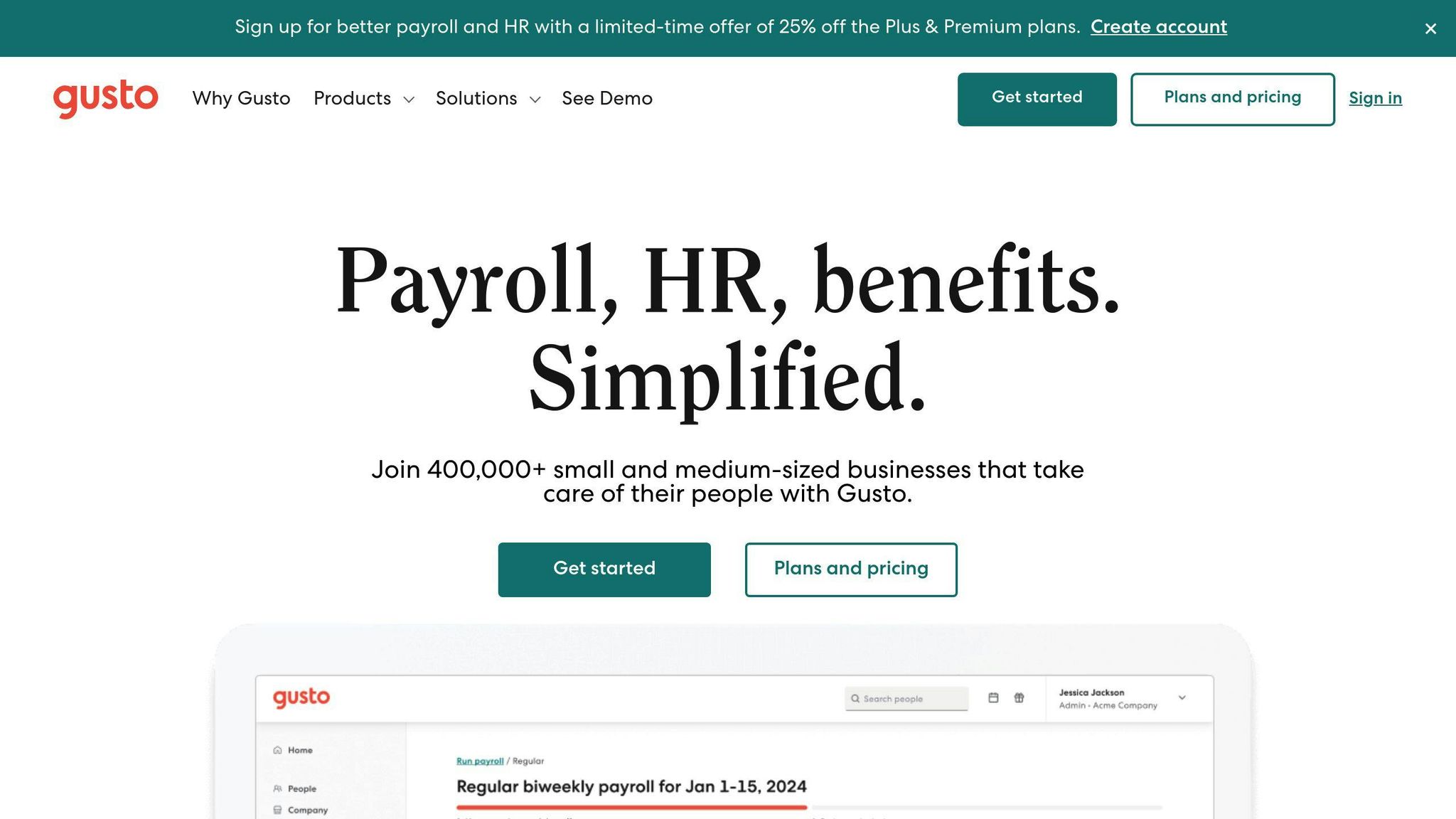
Deciding between Gusto and QuickBooks Payroll comes down to what your startup needs most. Here’s a quick side-by-side look:
| Feature Area | Gusto | QuickBooks Payroll |
|---|---|---|
| Cost-effectiveness | Great for small teams with basic needs | Higher price but includes accounting tools |
| User Interface | Modern and easy to navigate | More traditional, requires some learning |
| Integration | Excellent HR tools and third-party options | Best for QuickBooks accounting integration |
| Setup Process | Simple and automated onboarding | More involved initial setup |
Gusto works well for startups that value simplicity and HR-focused tools. On the other hand, QuickBooks Payroll is a better fit for businesses already using QuickBooks and needing advanced accounting features. Gusto’s pricing and ease of use make it ideal for smaller teams, while QuickBooks Payroll offers more control for businesses planning to scale.
Don’t forget, these are just two of many payroll solutions out there. Think about your startup’s specific needs, future growth, and current software setup when choosing. Knowing the key differences will help you pick the system that aligns best with your goals.