

Want a faster website without spending a dime? Free, open-source CDN tools can reduce load times by up to 50%, improve reliability, and protect against DDoS attacks. Here’s a quick look at 7 tools small businesses can use to boost performance without technical headaches:
- Apache Traffic Control (ATC): Scalable and customizable but requires technical expertise. Great for advanced setups.
- Caddy CDN: User-friendly, automates HTTPS, and works out of the box. Ideal for small teams.
- NGINX + Varnish: Self-hosted combo for full control and caching power. Best for tech-savvy users.
- jsDelivr: No setup needed, multi-CDN reliability, perfect for static files.
- cdnjs: Easy integration for JavaScript/CSS libraries, backed by Cloudflare.
- UNPKG: NPM package delivery made simple, great for Node.js developers.
- Grove: High-performance caching for advanced needs, part of Apache Traffic Control.
Quick Comparison
| Tool | License | Setup Difficulty | Key Strengths | Best For |
|---|---|---|---|---|
| Apache Traffic Control | Apache 2.0 | High | Scalable, customizable | Advanced setups |
| Caddy CDN | Apache 2.0 | Low | Easy HTTPS, simple setup | Small teams |
| NGINX + Varnish | BSD/GPL | Medium-High | Full control, caching | Tech-savvy users |
| jsDelivr | MIT | Very Low | Multi-CDN, no setup | Static content delivery |
| cdnjs | MIT | Very Low | JavaScript/CSS libraries | Front-end developers |
| UNPKG | MIT | Very Low | NPM package delivery | Node.js developers |
| Grove | Apache 2.0 | High | Advanced caching, high performance | Advanced caching needs |
These tools are free, open-source, and flexible. Whether you’re looking for simplicity or advanced control, there’s a CDN solution for your needs. Dive into the article to find the right fit for your business.
Let’s build a CDN – Part 1
1. Apache Traffic Control
Apache Traffic Control (ATC) is an open-source content delivery network (CDN) platform that enables small businesses to create scalable CDNs. Originally developed by Comcast for internal use, it was released to the open-source community in April 2015 and became part of the Apache Incubator in August 2016.
Open-source License Availability
ATC operates under the Apache-2.0 license, which allows businesses to use, modify, and distribute the software without worrying about licensing fees. This flexible license also enables companies to integrate ATC into proprietary applications while maintaining full customization capabilities.
Key Features Supporting Website Performance
ATC enhances website performance by strategically positioning caches and content closer to users. This reduces latency by cutting down the round trip time for content delivery. Additionally, it lowers bandwidth costs by caching data in memory and on disk, which reduces the strain on origin servers and network bottlenecks.
In practice, ATC has been shown to reduce bandwidth usage by up to 46% and manage billions of daily objects.
Its traffic management system includes Traffic Router, which uses DNS and HTTP 302 redirects to guide users to the nearest cache, and Traffic Monitor, which continuously checks the health of caches via HTTP to ensure smooth performance. These features make ATC a powerful tool for businesses with the technical know-how to implement it.
Compatibility with Commonly Used Platforms or Technologies
Apache Traffic Control integrates well with popular platforms like WordPress and Apache servers. Acting as both a forward and reverse proxy for HTTP/HTTPS traffic, it fits seamlessly into various e-commerce platforms and content management systems.
Ease of Implementation for Small Businesses
While ATC offers enterprise-level features, deploying it requires technical expertise and dedicated server infrastructure. Its multi-component architecture can be challenging for those without a strong technical background.
For small businesses with limited budgets, it’s essential to assess whether they have the necessary technical resources. Although ATC is designed to scale for businesses of all sizes, its initial setup and ongoing maintenance demand system administration skills. However, for companies with in-house technical teams or partnerships with web development agencies like S-FX.com Small Business Solutions, ATC provides an affordable alternative to commercial CDN services while offering full control over content delivery infrastructure.
Next, we’ll look at another CDN tool that simplifies deployment for smaller operations.
2. Caddy CDN
Caddy offers a modern, secure alternative to traditional tools like Apache Traffic Control. Built in Go, it’s a web server designed with simplicity and security in mind. Unlike older servers that demand complex setups, Caddy automates many key features, making it a great pick for small businesses looking for an easy-to-use CDN solution.
Open-source License Availability
Caddy operates under the Apache 2.0 license, allowing users to freely use, modify, and distribute it without paying fees.
Easy Setup for Small Businesses
Caddy is distributed as a single binary with no external dependencies, simplifying installation. Its configuration uses easy-to-read Caddyfiles, and it automates HTTPS by handling Let’s Encrypt certificates for you. This means small businesses can save time and avoid relying heavily on technical expertise.
For teams working with partners like S-FX.com Small Business Solutions, Caddy’s simple setup not only speeds up implementation but also reduces ongoing maintenance efforts. Once set up, its performance-enhancing features help ensure a faster, more responsive website.
Features That Boost Performance
Caddy’s event-driven architecture is built to handle numerous connections at once. It supports HTTP/2 for managing multiple simultaneous requests and QUIC for even faster performance. The server can compress files in real time or serve precompressed files, and it was the first to support Zstandard encoding. These features are critical because fast-loading websites – those under 2 seconds – tend to convert better, while even a one-second delay can cut conversions by 7%.
Thanks to its Go-based design, Caddy offers stable performance even under heavy traffic. It also includes a built-in reverse proxy for load balancing across multiple backend servers, which makes it scalable as businesses grow.
Broad Compatibility with Popular Platforms
Caddy works across Linux, Windows, macOS, and Unix-like systems. It’s compatible with widely used CMS and e-commerce platforms, and its functionality can be extended through plugins or its RESTful admin API.
3. Self-Hosted CDN with NGINX and Varnish
For small businesses looking to take full control of their content delivery network (CDN), combining NGINX and Varnish offers a powerful way to enhance website performance.
Open-Source Licensing Benefits
Both NGINX and Varnish operate under BSD-style licenses, allowing businesses to modify and distribute the software freely without worrying about licensing fees. This makes them cost-effective solutions for small businesses.
Straightforward Setup for Small Businesses
While setting up a self-hosted CDN with NGINX and Varnish requires some technical expertise, it’s not overly time-consuming. A basic configuration can often be completed within a few hours. For instance, you’ll need to edit Varnish’s configuration files – such as /etc/varnish/default.vcl for backend settings or /etc/default/varnish.param for the listening port – and restart the service to apply changes.
Partnering with technical experts, like S-FX.com Small Business Solutions, can make the process even smoother. Once configured, this setup minimizes maintenance complexity while delivering enterprise-grade caching capabilities. It’s a solution that scales as your business grows, ensuring consistent performance.
Features That Boost Website Performance
Each tool in this combination plays a unique role:
- NGINX: Handles SSL termination, serves static content, manages load balancing, and acts as a reverse proxy.
- Varnish: Caches content in RAM, reducing the load on the origin server.
Performance tests highlight their effectiveness. Varnish achieves latencies below 1 ms and cuts memory usage by up to 50%, while NGINX maintains an average response time of 82 ms under heavy traffic loads.
Memory management is another area where these tools excel. NGINX leverages the operating system’s page cache, while Varnish uses a custom object-based memory layout. This ensures optimal performance for high-traffic scenarios.
Seamless Integration with Popular Platforms
This setup works effortlessly with widely used content management systems (CMSs) like WordPress. By installing Varnish alongside NGINX, businesses can use plugins like "Proxy Cache Purge" to manage caching rules through Varnish Configuration Language (VCL). This ensures that dynamic pages and admin areas bypass caching as needed.
For small businesses on the rise, this flexible and efficient setup meets the demands of growing traffic while keeping operational complexity in check. It’s a smart choice for those who want full control over their website’s performance.
4. jsDelivr
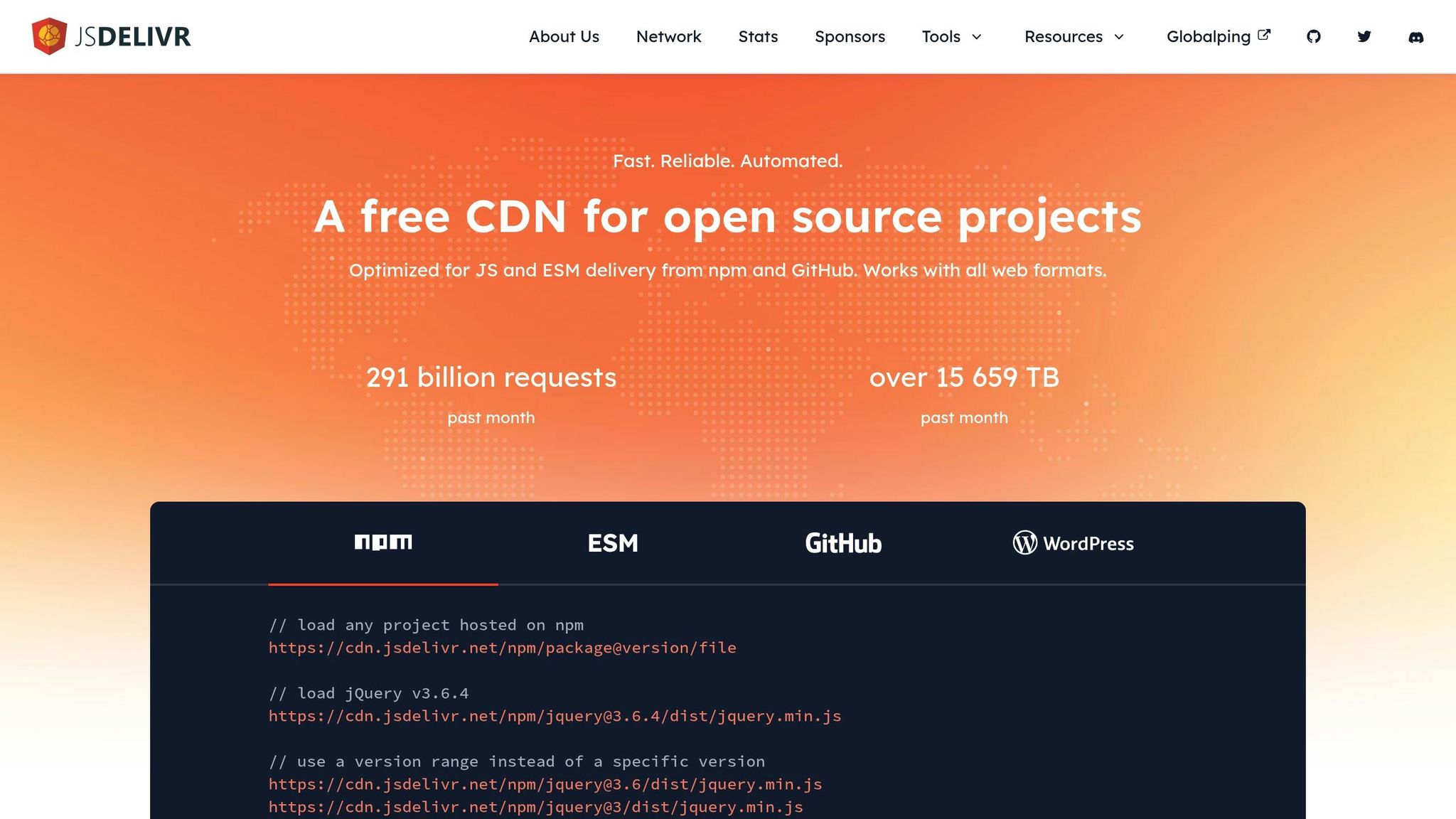
jsDelivr is a free CDN that has been a reliable resource for the open-source community since 2012. With over 291 billion requests per month and more than 15,659 TB of data served monthly, it’s a dependable choice for businesses of all sizes. Much like other open-source tools, jsDelivr simplifies content delivery while improving website speed – making it a practical option for small businesses.
Simple Setup for Small Businesses
For small businesses, jsDelivr is incredibly easy to implement. There’s no setup required for npm and GitHub-hosted files, which makes the process seamless. All you need to do is reference files using specific URL formats. For npm packages, the format is /npm/package@version/file, and for GitHub repositories, it’s /gh/user/repo@version/file. It also supports combining multiple files into one request, reducing DNS lookups and TCP connections for faster performance. And here’s the best part: there are no bandwidth limits or hidden premium features – it’s completely free.
Features That Boost Website Performance
What makes jsDelivr stand out is its multi-CDN infrastructure, which offers a level of reliability that single-provider solutions can’t match. Dmitriy Akulov explains:
"Don’t rely on a single CDN for uptime and speed. Everything can go down, but the chances for 2 CDNs and multiple servers to go down at the same time are very slim. And this is why jsDelivr is the most optimal solution for every website out there. No matter how big it is."
With operations spanning 251 regions and over 540 points of presence, jsDelivr ensures consistent performance by leveraging multiple CDN and DNS providers. It also supports modern features like HTTP/3, Brotli compression, automatic minification, and precise HTTP caching. Developers can take advantage of version aliasing to load the latest minor updates without worrying about breaking changes. Additionally, smart load-balancing ensures that users are always routed through the best-performing server.
One open-source UI framework integrated its assets through jsDelivr and saw a 30% reduction in TTFB (Time to First Byte) compared to its previous hosting setup. Developers noted that the multi-CDN approach protected against regional outages and provided consistent speed improvements during global rollouts.
Broad Compatibility Across Platforms
jsDelivr works seamlessly with WordPress, offering dedicated endpoints for plugins and themes. It’s also compatible with projects hosted on npm and GitHub, making it a versatile solution for any modern web framework.
sbb-itb-0111765
5. cdnjs
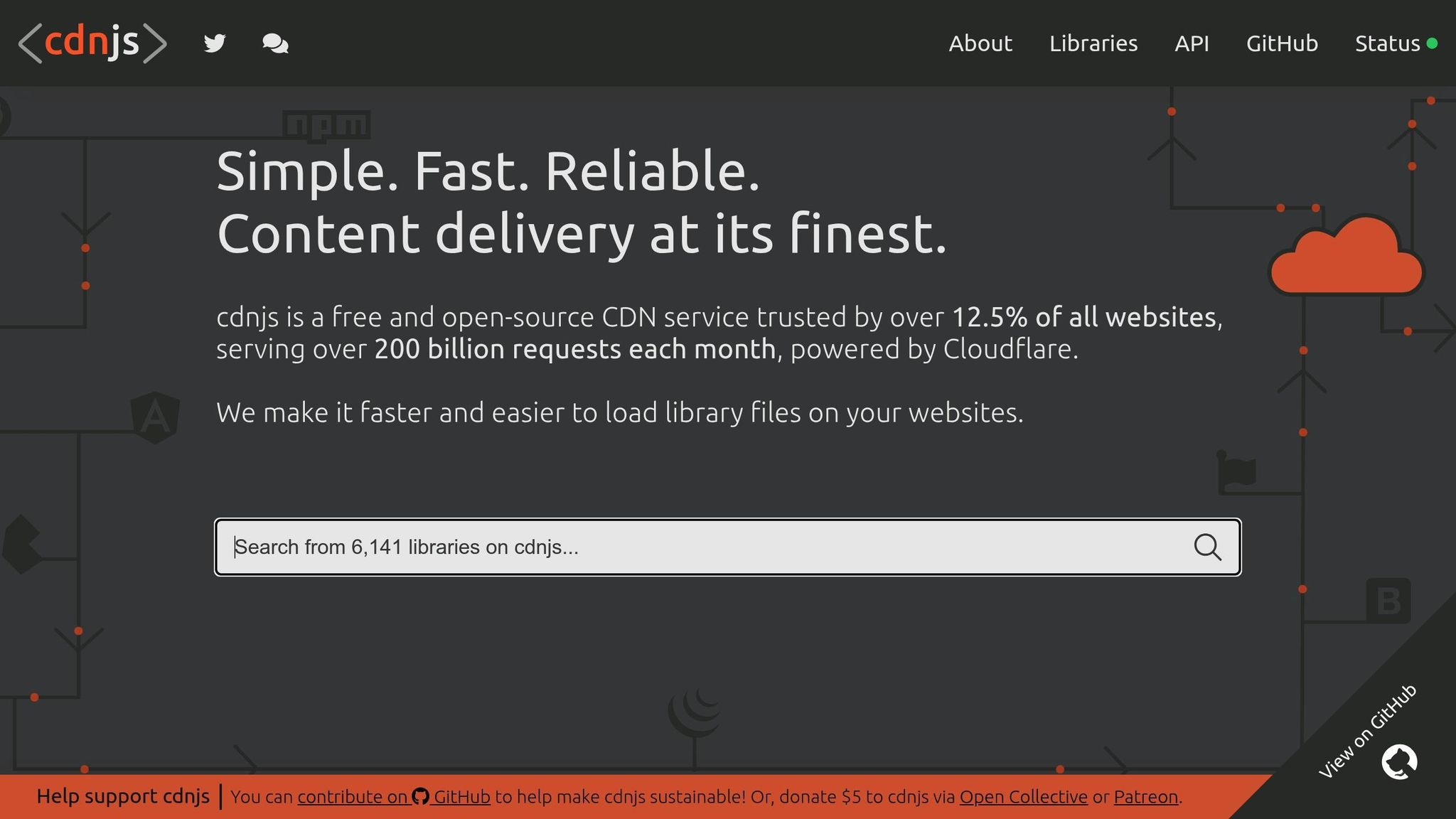
cdnjs is a widely-used free open-source CDN designed to simplify front-end development for developers and small businesses. Backed by Cloudflare and licensed under the MIT license, it provides an efficient, cost-effective solution for those working with limited budgets.
Open-source License Benefits
The cdnjs repository operates under the MIT license, offering users the flexibility to use, modify, and distribute the code as needed. Each library within cdnjs also adheres to its own licensing terms, ensuring legal compliance. This open licensing model eliminates the constraints of proprietary software.
Simple Integration for Small Businesses
For small businesses without dedicated IT resources, cdnjs is a game-changer. Its integration process is straightforward: replace local script references with cdnjs URLs, following the clear instructions provided in its documentation. By doing so, you can lighten your server load, cut hosting costs, and enhance site performance. Adding Subresource Integrity (SRI) checks further strengthens security. This streamlined setup reduces both operational expenses and technical complexity, making it ideal for small businesses.
Features That Boost Website Performance
By using cdnjs, websites can significantly improve load times – potentially cutting them by up to 50%. This is critical, as nearly half of users expect pages to load in under two seconds, and even a one-second delay can lead to a 7% drop in conversions. cdnjs supports modern web standards like HTTPS, SPDY, HTTP/2.0, and SRI, ensuring your site remains fast and secure. Recognized as the second-best option for web front-end performance, cdnjs provides the speed and reliability small businesses need to thrive.
Seamless Compatibility with Popular Platforms
One of cdnjs’s strengths is its compatibility with nearly all web platforms and content management systems. Its open-source nature encourages global contributions, allowing for quick updates and security fixes. Whether your site is built on WordPress, an e-commerce platform, or a custom application, integrating cdnjs requires minimal changes to your current setup. Regularly migrating high-traffic JavaScript libraries to cdnjs can further enhance performance and ease server strain.
Next, we’ll dive into another free open-source CDN tool that could complement your development efforts.
6. UNPKG

Moving forward in our look at free open-source CDN tools, UNPKG stands out as a no-fuss solution that taps into npm’s massive library of packages.
UNPKG is a quick and reliable global CDN designed specifically for all npm packages. It handles an impressive workload, processing over 4 billion requests daily, and supports roughly 10% of the clear web’s traffic.
Easy Setup for Small Businesses
For small businesses, UNPKG’s simplicity is a major plus. There’s no need for complicated configurations – just publish your files to npm, and UNPKG takes care of the rest. By swapping out local script references with UNPKG URLs, you can make your files instantly accessible via their global network. This makes it a perfect choice for businesses that want to prototype or deploy quickly without the hassle of managing their own hosting setup.
Features That Boost Website Speed
UNPKG leverages Cloudflare’s edge network and its Workers technology to deliver low-latency performance and instant scalability. With Cloudflare caching 95% of UNPKG’s traffic, users benefit from incredibly fast load times. The service caches files using permanent URLs tied to specific npm package versions, ensuring consistent and speedy delivery.
"unpkg is an open source fast, global content delivery network for everything on npm." – Kent C. Dodds
Works Seamlessly Across Platforms
UNPKG is fully integrated with the npm ecosystem, making every file on npm accessible within minutes of being published. This compatibility allows it to function smoothly with most web platforms and content management systems that rely on JavaScript libraries. For the best results, always use specific version numbers and full file paths in your UNPKG URLs to maximize cache efficiency. Additionally, having local backups of critical libraries as a fallback can help avoid disruptions.
For small businesses building modern web apps or testing new features quickly, UNPKG is a valuable and efficient tool. Its simplicity and seamless integration make it a go-to option for developers looking to streamline their workflow.
7. Grove (from Apache Traffic Control)
Grove is a high-performance HTTP cache built in Go, designed as part of the Apache Traffic Control ecosystem. It delivers scalable and redundant CDN capabilities, making it a flexible option for organizations of various sizes.
Open-Source License Availability
Grove operates under the Apache Software Foundation’s open-source license. This means it’s completely free to use, modify, and distribute. For small businesses, this eliminates licensing fees and vendor lock-in, while offering the freedom to tailor the software to meet specific requirements.
Key Features Supporting Website Performance
Grove leverages several core features from Apache Traffic Control, including:
- Active state management and consistent hashing for efficient cache distribution.
- Deep caching capabilities to improve content delivery.
- Edge header rewrites and controls for bandwidth and transaction rates, helping to manage traffic surges.
Additionally, its delivery services architecture supports advanced caching strategies like origin shield functionality, which reduces the strain on origin servers. Features like efficient range request handling and query string management ensure smooth delivery of both static and dynamic content. These capabilities make Grove particularly appealing to businesses seeking more customizable and hands-on CDN management.
Ease of Implementation for Small Businesses
As an experimental tool, Grove requires a certain level of technical expertise and development resources. However, its foundation within the Apache Traffic Control ecosystem provides a stable and adaptable platform that can grow alongside a business’s evolving needs.
Compatibility with Commonly Used Platforms and Technologies
Grove’s HTTP cache design ensures it works well with standard web technologies and popular content management systems. It integrates seamlessly with servers like NGINX and Apache HTTP Server, as well as platforms such as WordPress.
Its Go-based architecture ensures strong performance across typical web platforms. However, achieving the best results requires careful planning and configuration to align Grove with an existing technology stack effectively.
Tool Comparison Chart
This chart summarizes key details from earlier discussions, providing a quick reference to help you choose the right tool for your needs.
| Tool | License Type | Setup Difficulty | Key Strengths | Platform Support | Best For |
|---|---|---|---|---|---|
| Apache Traffic Control | Apache 2.0 | High | Enterprise-grade features, scalability | Linux, Docker, Kubernetes | Businesses with technical teams |
| Caddy CDN | Apache 2.0 | Low | Automatic HTTPS, simple configuration | Cross-platform (Windows, macOS, Linux) | Small businesses seeking simplicity |
| Self-Hosted CDN (NGINX + Varnish) | BSD/GPL | Medium-High | Full control, customization | Linux, Unix systems | Tech-savvy businesses |
| jsDelivr | MIT | Very Low | No setup required, global network | All platforms via CDN | Static file delivery |
| cdnjs | MIT | Very Low | Extensive library collection | All platforms via CDN | JavaScript/CSS libraries |
| UNPKG | MIT | Very Low | NPM package delivery | All platforms via CDN | Node.js developers |
| Grove | Apache 2.0 | High | High performance, Go-based architecture | Linux, containerized environments | Advanced caching needs |
Key Insights
Tools like Caddy CDN stand out for their ease of use, requiring minimal configuration while delivering a smooth, user-friendly experience from setup to management. On the other hand, enterprise-level tools like Apache Traffic Control and Grove demand more technical expertise, which may pose challenges for those without a robust IT background.
Public CDN services such as jsDelivr, cdnjs, and UNPKG are ideal for businesses that want to avoid the hassle of setup. These services leverage premium global networks, making enterprise-grade infrastructure accessible to smaller organizations without the need for extensive configuration.
Platform compatibility is another critical factor. While most tools integrate smoothly with popular systems like WordPress, self-hosted solutions provide unmatched flexibility but require ongoing maintenance and monitoring. This trade-off makes them better suited for businesses with experienced technical teams.
The open-source nature of all these tools eliminates licensing fees, a major advantage for small businesses. With permissive licenses, you’re free to modify and distribute the software, avoiding vendor lock-in and ensuring long-term adaptability.
Recommendations
For small businesses with limited IT resources, tools with low setup difficulty – like Caddy CDN or public CDN services – are the best starting points. They simplify implementation while still delivering excellent performance. However, if you have a dedicated technical team, more advanced options like Apache Traffic Control or custom NGINX configurations can provide greater control and customization for your content delivery strategy.
Use this comparison to pinpoint the CDN solution that aligns best with your business goals and technical capabilities.
Conclusion
The seven free open-source CDN tools discussed in this guide provide small businesses with effective ways to enhance website performance without stretching their budgets. Whether it’s straightforward options like jsDelivr and cdnjs or more advanced, self-hosted solutions like Apache Traffic Control, these tools can significantly boost website speed – something that directly influences customer satisfaction and, ultimately, revenue.
The performance improvements speak for themselves. Websites using free CDN services can achieve up to a 25% reduction in load times, with emerging markets seeing an average 30% improvement. Nearly half of online users expect pages to load in under two seconds, and 40% will abandon a site if it takes longer than three seconds to load.
"CDN is always better than no CDN. Simply because performance/speed and availability will improve in any case." – Laurent Perche, Worked at Alcatel-Lucent
Beyond speed, these tools also enhance security, optimize bandwidth usage, and ensure websites stay functional during traffic surges or security threats. For small businesses, public CDN services like jsDelivr, cdnjs, and UNPKG make it easy to get started with minimal technical hurdles. On the other hand, businesses with technical expertise can explore more customizable options like NGINX, Varnish, or Apache Traffic Control.
To make the most of a CDN, it’s essential to define performance goals before implementation and consistently monitor results. Start by auditing your content to identify the balance between static and dynamic assets, and analyze your audience’s geographic distribution to select the most effective coverage.
This guide highlights how open-source CDN tools can empower small businesses to deliver faster, more reliable websites. At S-FX.com Small Business Solutions, we specialize in simplifying CDN adoption for growing businesses. Whether you need help choosing the right tool, setting it up, or optimizing its performance, our team is here to ensure your website meets your customers’ expectations for speed and reliability. Let us help you create a seamless online experience that supports your business growth.
FAQs
What should small businesses consider when deciding between a self-hosted CDN and a public CDN service?
When choosing between a self-hosted CDN and a public CDN service, small businesses need to consider several key factors to determine the right option for their needs.
A self-hosted CDN gives businesses greater control over their data and allows for tailored security measures. This can be especially critical when managing sensitive customer information. However, going this route demands a higher level of technical expertise and requires a significant upfront investment in infrastructure.
On the other hand, a public CDN service is often more affordable and much simpler to implement. These services offer scalability, built-in redundancy, and consistent performance – all without requiring extensive technical knowledge. For businesses seeking a quick and low-maintenance solution, this can be an ideal choice.
The best option ultimately depends on the specific requirements, technical skills, and budget of the business.
How can small businesses determine if they have the technical resources to implement advanced CDN tools like Apache Traffic Control?
Small businesses looking to adopt advanced CDN tools should start by taking stock of a few critical areas. Begin with your current IT infrastructure – check your server capacity, bandwidth, and software to ensure everything aligns with CDN requirements. Next, think about your audience. Where are they located? What are their traffic habits? Understanding these factors will help you determine how scalable your CDN needs to be.
You’ll also want to evaluate your team’s technical know-how. If managing a CDN feels outside your staff’s skill set, it might be worth considering training programs or bringing in external expertise. Don’t forget to factor in the type of content you’ll be delivering, like images or videos, and any security measures you might need, such as DDoS protection or data encryption. Taking the time to assess these areas upfront can save you from unnecessary headaches and help you pick a CDN that fits your business goals.
How can small businesses monitor and optimize their CDN performance after setup?
To get the most out of your CDN, it’s crucial to keep an eye on key performance indicators like latency, error rates, and traffic patterns. Analytics tools can help you track these metrics and pinpoint any issues that might be slowing things down. Digging into CDN logs can also reveal useful details about user activity and potential problem areas.
Once you’ve gathered enough data, make it a habit to tweak your CDN settings. This might mean updating caching rules, turning on compression, or adjusting security settings to match what your data shows. Regular monitoring and fine-tuning ensure your CDN stays aligned with your goals, delivering quicker load times and a smoother experience for your users.